
Practical information checked on 31 October 2026. Rules, prices and interfaces can change; use the official links when making your final arrangements.
WhatsApp is a practical way to contact your LankaMe driver before a pick-up or during a journey in Sri Lanka. If you already use it in Britain, you can normally keep using the account registered to your UK number while connecting through Wi-Fi or a local SIM/eSIM. New users should set it up and test it before leaving home, while their UK number can still receive a verification message or call.
Install the official WhatsApp Messenger app
Open Apple’s App Store or Google Play and find WhatsApp Messenger from the official publisher. A normal traveller does not need the separate WhatsApp Business app to message a driver. Use the official WhatsApp download page if you need the correct store link.
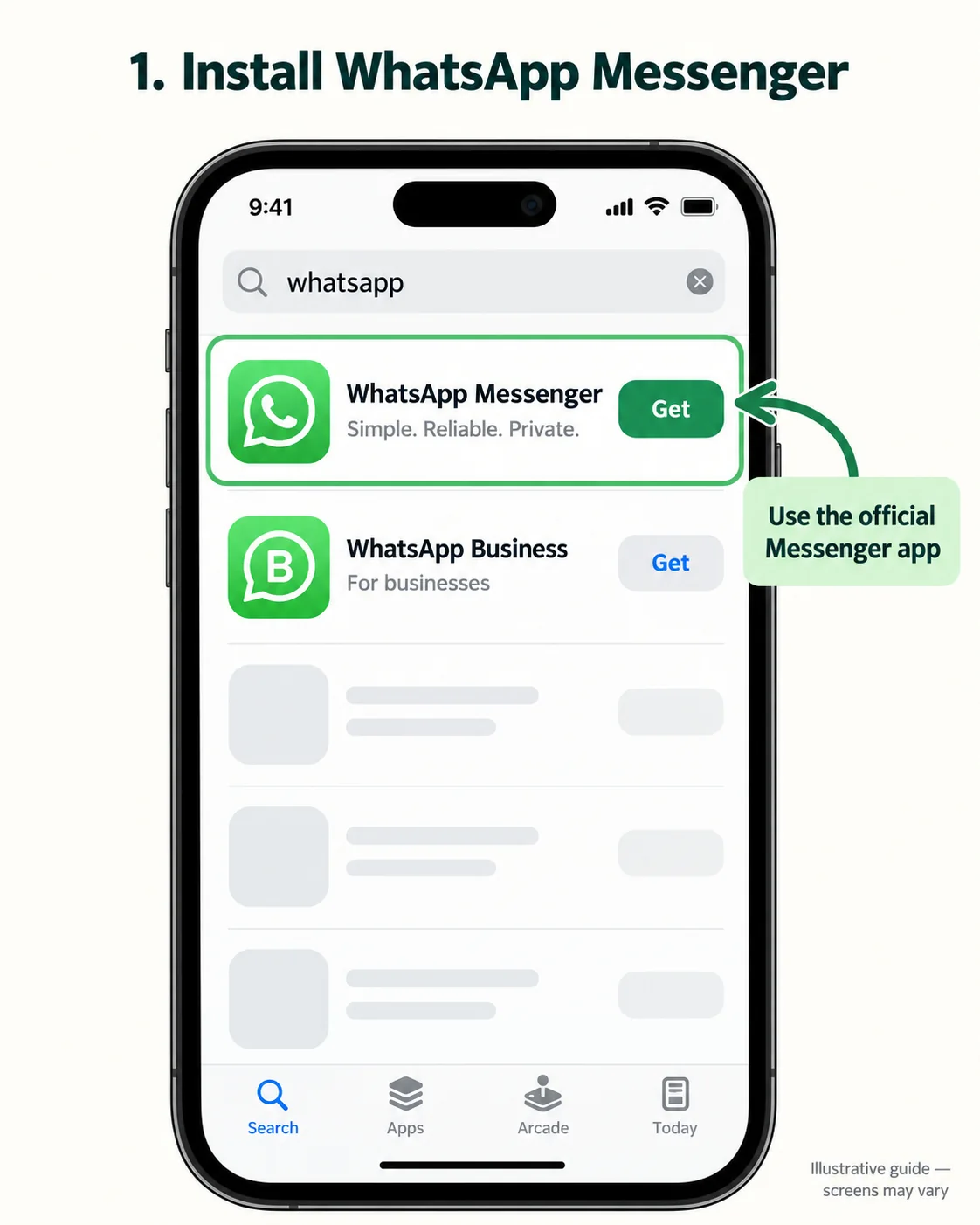
Set up WhatsApp before travelling
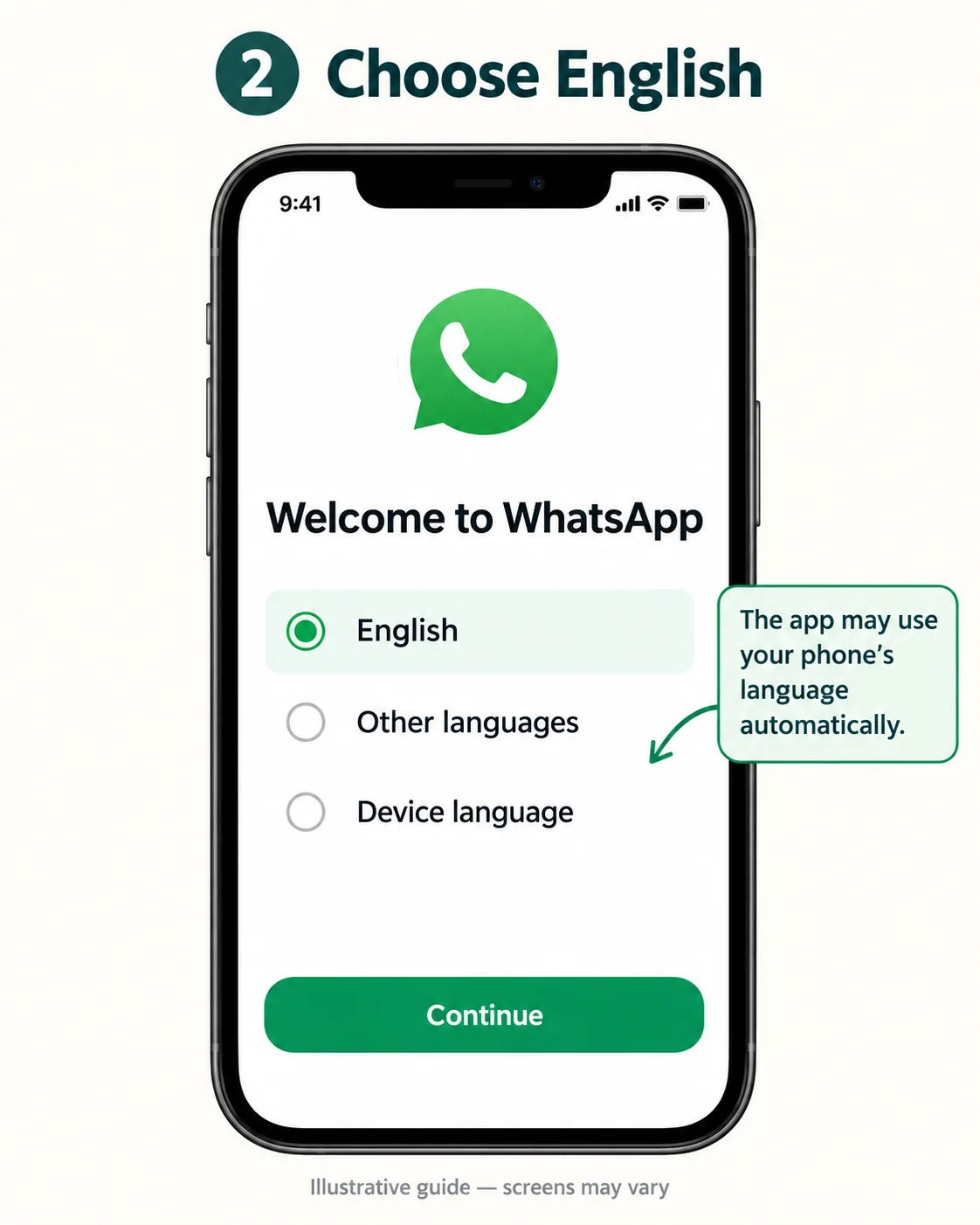
Choose your language and review the terms
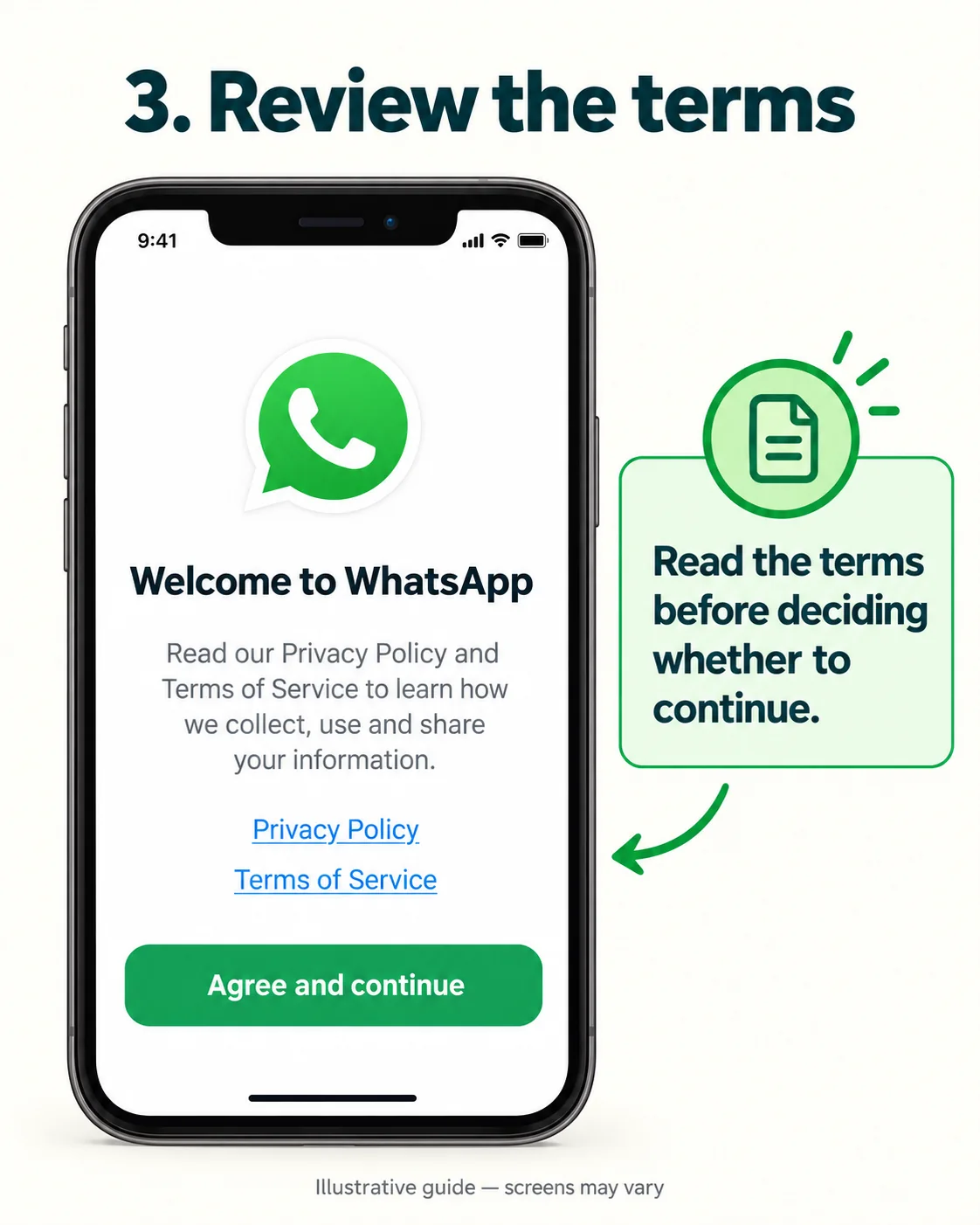
The app may follow your phone’s language automatically. If a language choice is offered, choose English. Read WhatsApp’s current terms and privacy information before deciding whether to continue.
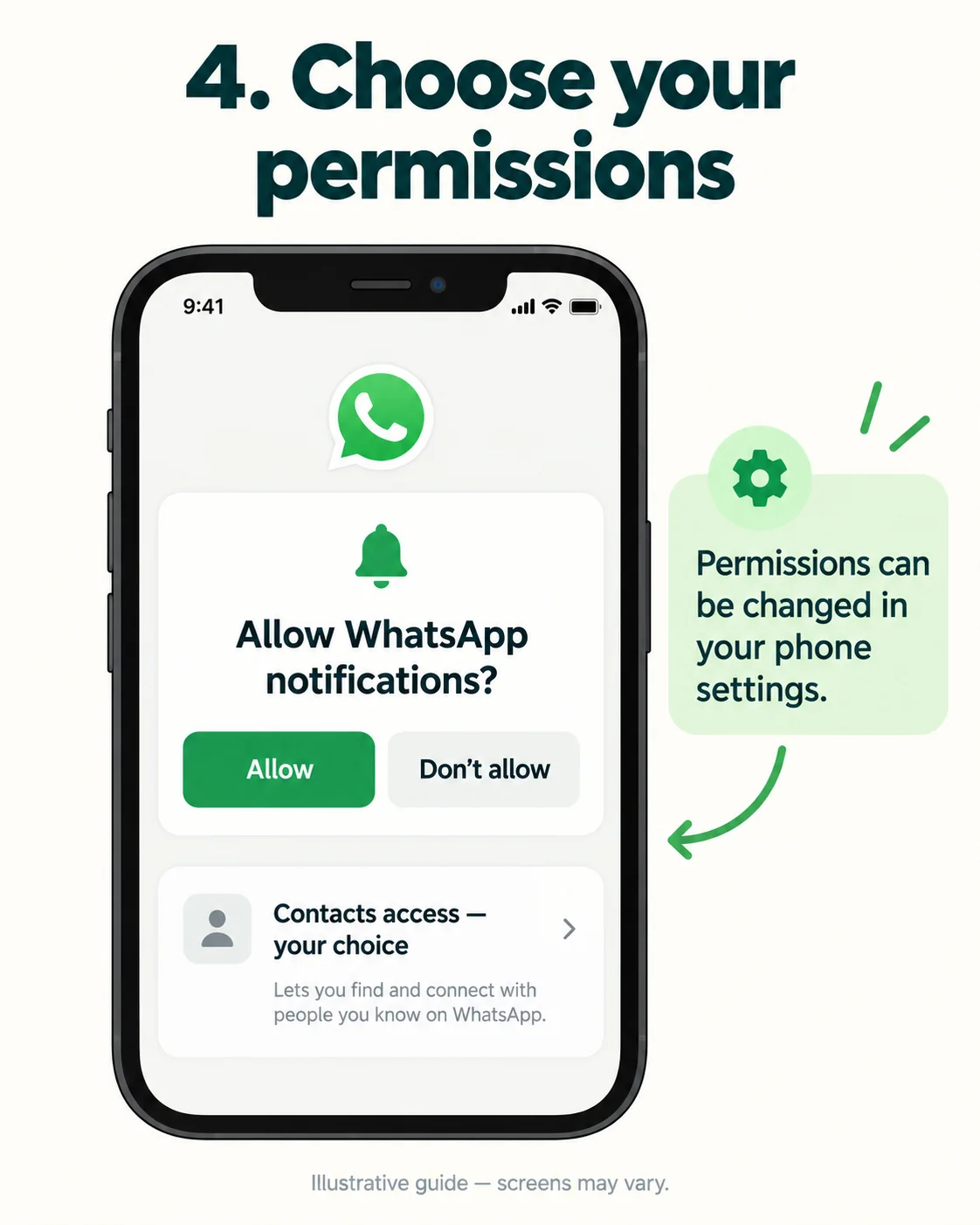
Choose notifications and contacts permissions
Notifications help you notice a message when a driver is waiting, but permissions are your choice. You can change notification and contacts access in your phone settings. If you do not share your contacts, you may need to enter or select a number manually. Keep an eye on the conversation around an agreed meeting time.
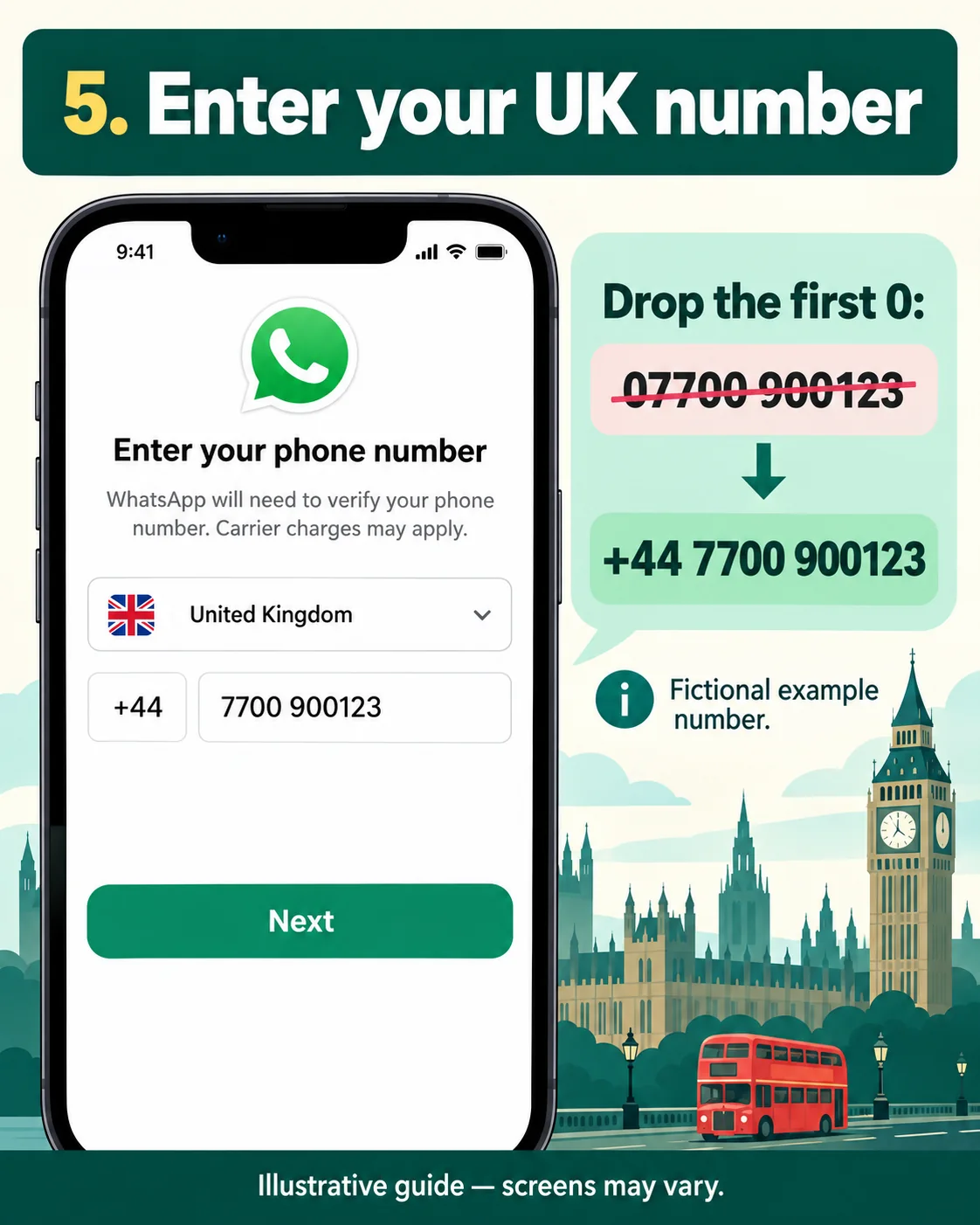
Enter your UK mobile number correctly
For a UK number, select United Kingdom (+44) and omit the first 0 of the national number. For example, the fictional number 07700 900123 becomes +44 7700 900123. Use a number you own and can verify; do not register using your driver’s number or a number printed in an example.
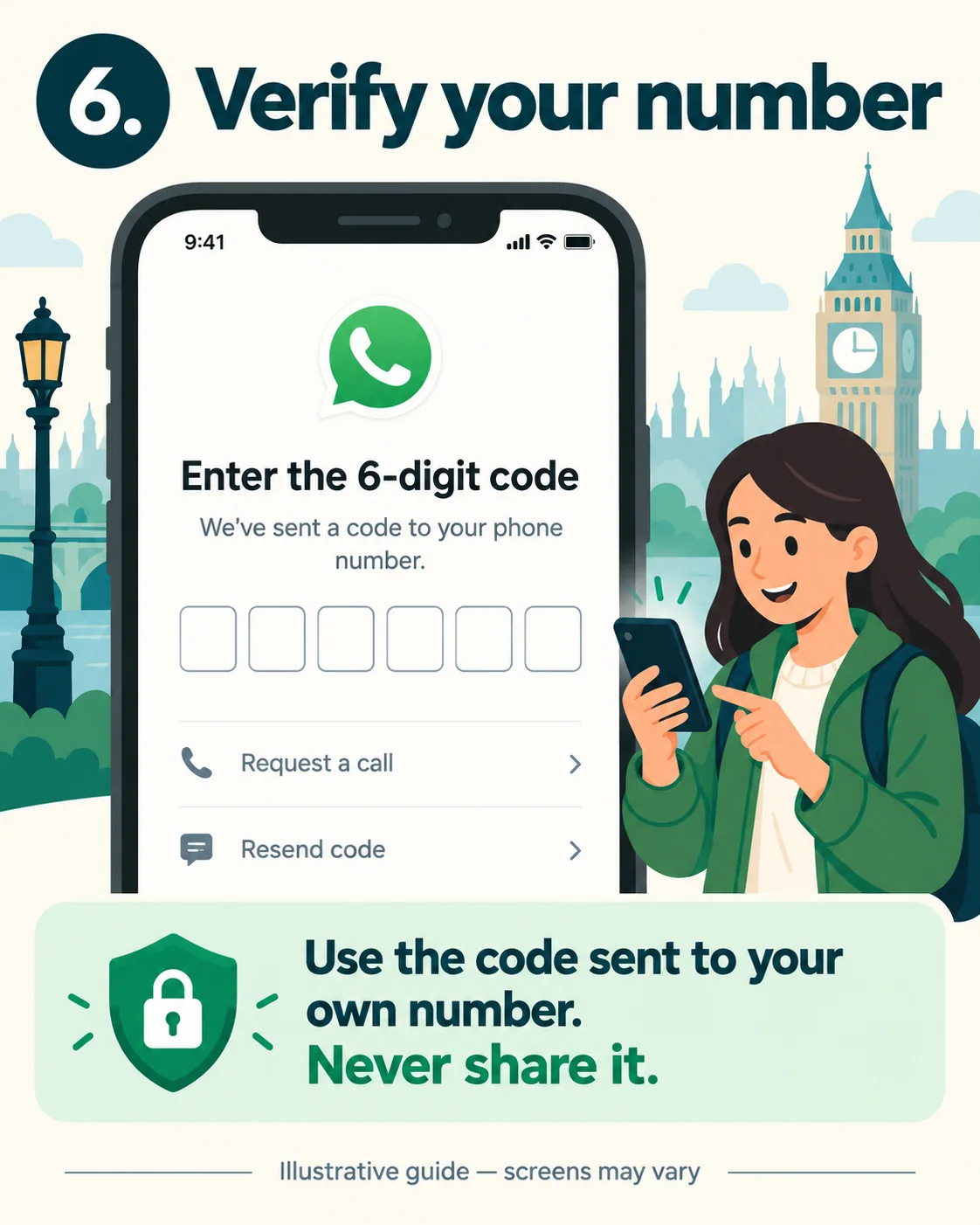
Verify the number and add a recognisable name
Follow the app’s verification instructions and use the code sent to your own number. Never give that code to anyone, including someone claiming to be a driver or support agent. If verification fails, follow the app’s waiting period and official help rather than repeatedly guessing codes. WhatsApp registration help.
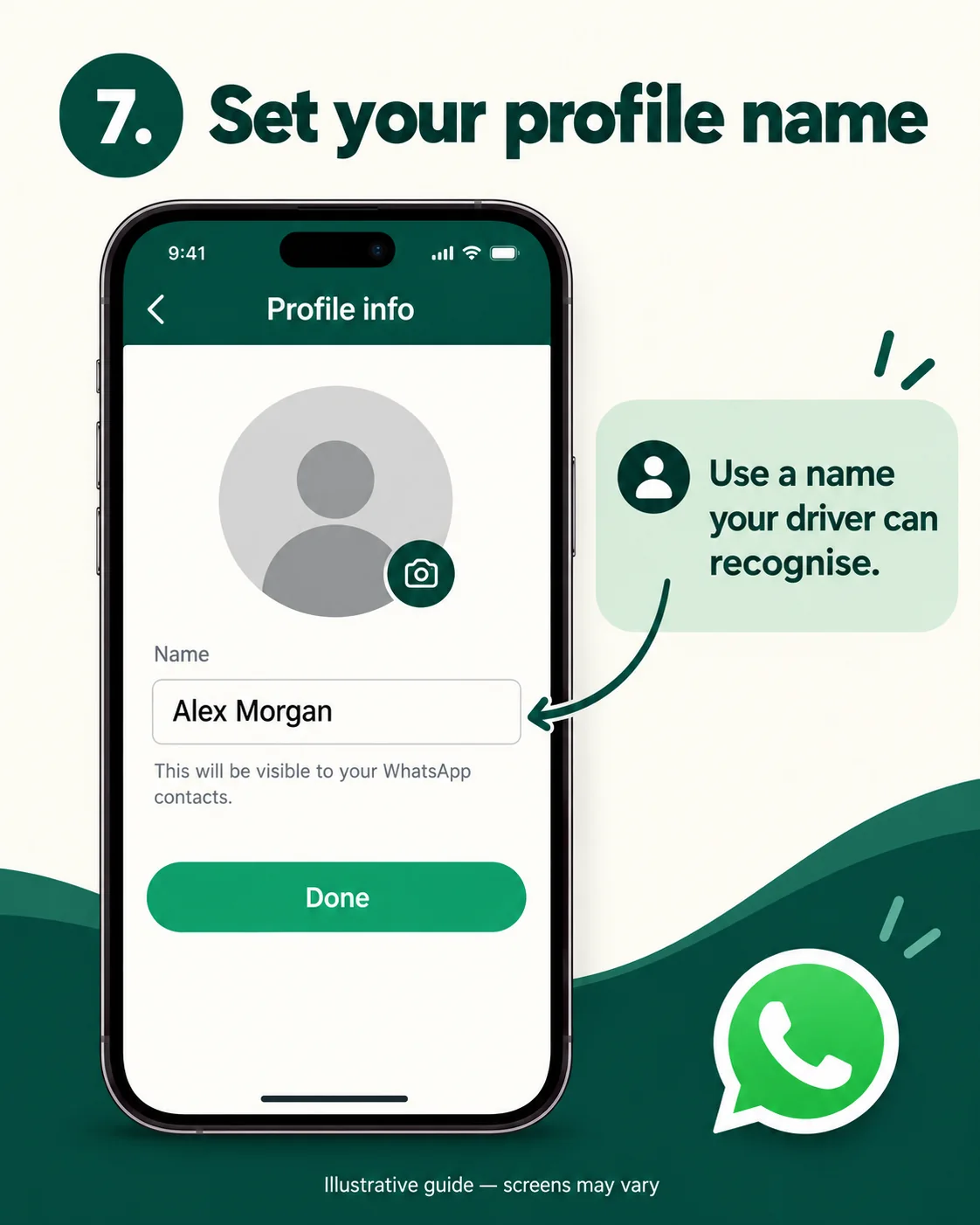
Set a profile name your driver can recognise from the booking, then send a test message to a trusted contact. A profile photograph is optional.
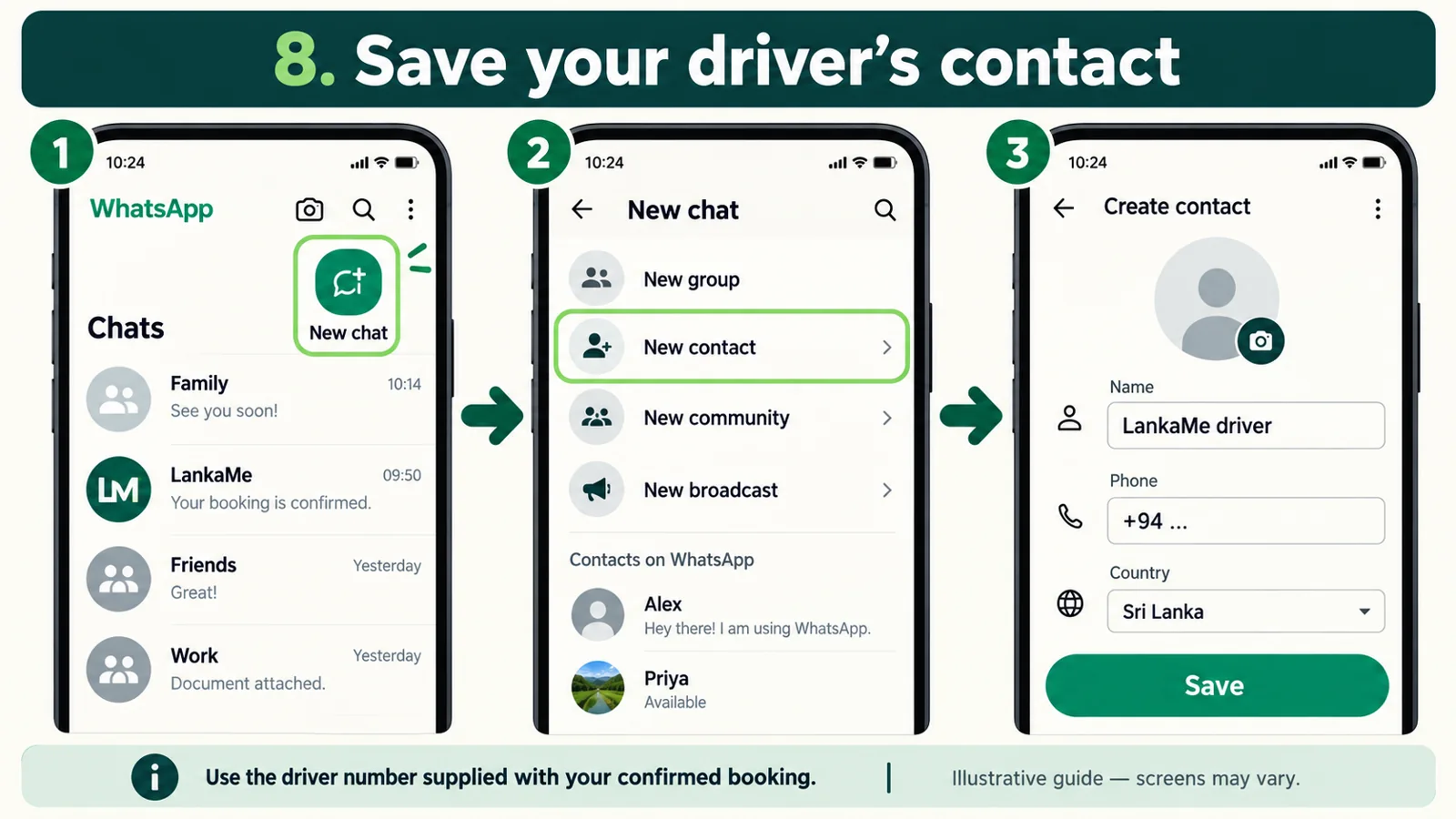
Add your driver’s contact and send a message
Use the driver’s telephone number supplied for your confirmed booking. Sri Lankan numbers use country code +94; when entering an international-format number, omit the domestic leading 0. Save it with a useful label such as “LankaMe driver”. Check the digits carefully before sharing your meeting details.
Open the conversation and introduce yourself with the booking name and agreed pick-up. Use short, clear messages and confirm the date, location and Sri Lankan local time. A location pin can help with a hotel entrance, but check that it points to the correct property rather than a similarly named hotel.
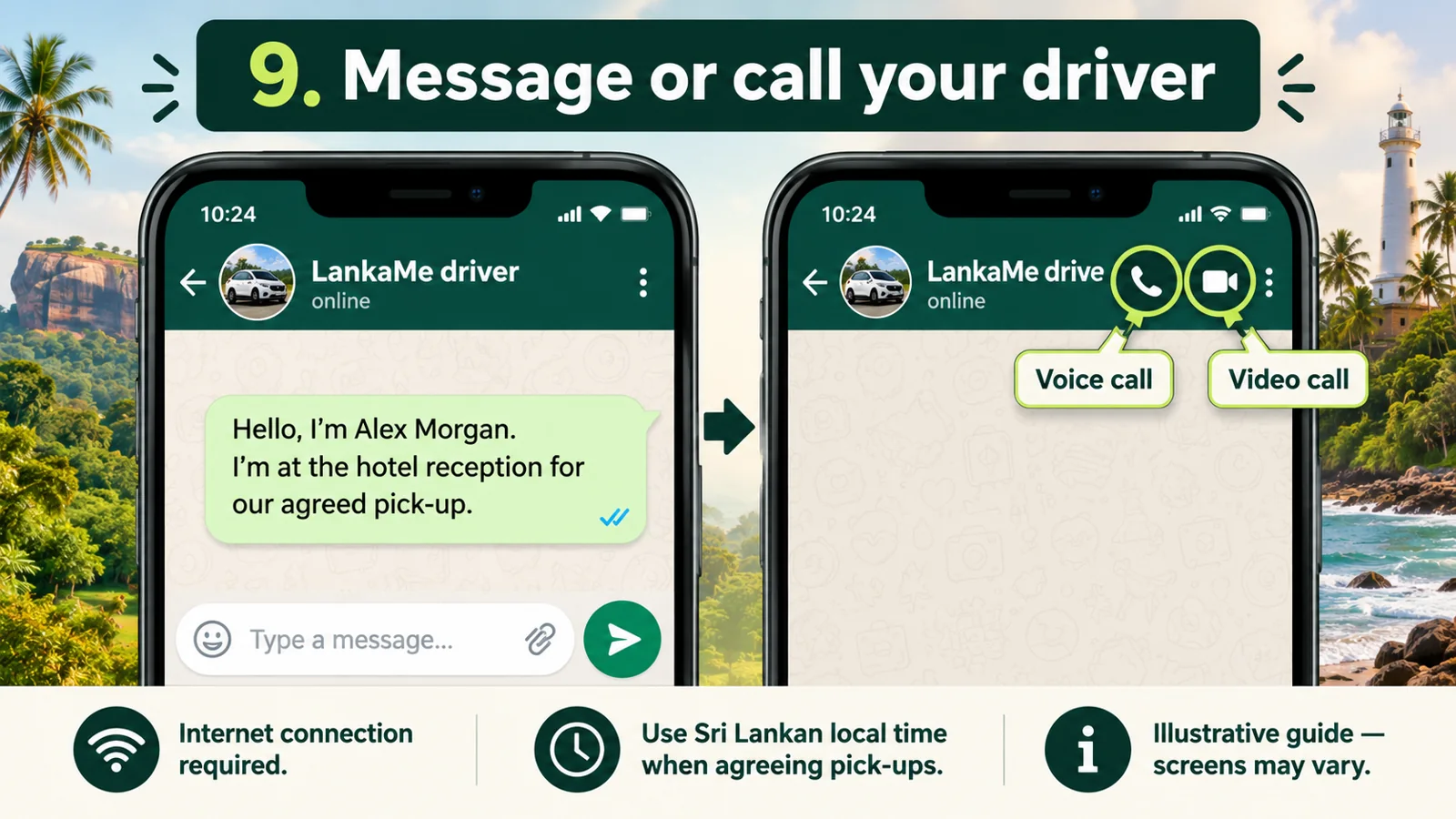
Hello, I’m [booking name]. We have a confirmed LankaMe booking for [date]. Our agreed pick-up is [time, Sri Lankan local time] at [hotel or meeting point]. Please let me know where I should wait. Thank you.
For an airport arrival, keep your flight details and meeting instructions saved offline. If you buy a SIM after customs, allow time for registration and contact your driver when connected. Do not send passport copies, payment-card details or verification codes just to confirm a routine pick-up.
Using WhatsApp with a local SIM or eSIM
WhatsApp needs an internet connection for messages and calls. Inserting a Sri Lankan SIM does not by itself require you to change the WhatsApp account to a new number. Keep access to the registered UK number in case the app needs to verify it again, and check roaming charges before receiving calls or using UK mobile data. Read our Sri Lanka SIM and eSIM guide before choosing a plan.
If you cannot reach your driver
Check that mobile data or Wi-Fi works, confirm the number and meeting point, and try a brief voice call if appropriate. Drivers may be driving or outside coverage and cannot always reply immediately. If you still need help, use the contact details in your booking confirmation. The LankaMe enquiry number below is the customer contact, not a substitute for the individual driver number.
You can also email contact@lankame.com. For an emergency, use the appropriate local emergency service rather than waiting for a WhatsApp reply.
Continue planning your trip
Return to the Sri Lanka travel preparation checklist for clothing, power, phone, money, entry and insurance advice. For a route that fits your dates, see our private tour planning guide.

Comments